
Open the login screen from ログイン (Log in) at the top right of the home page, or from 無料ではじめる (Start free).
Create an account
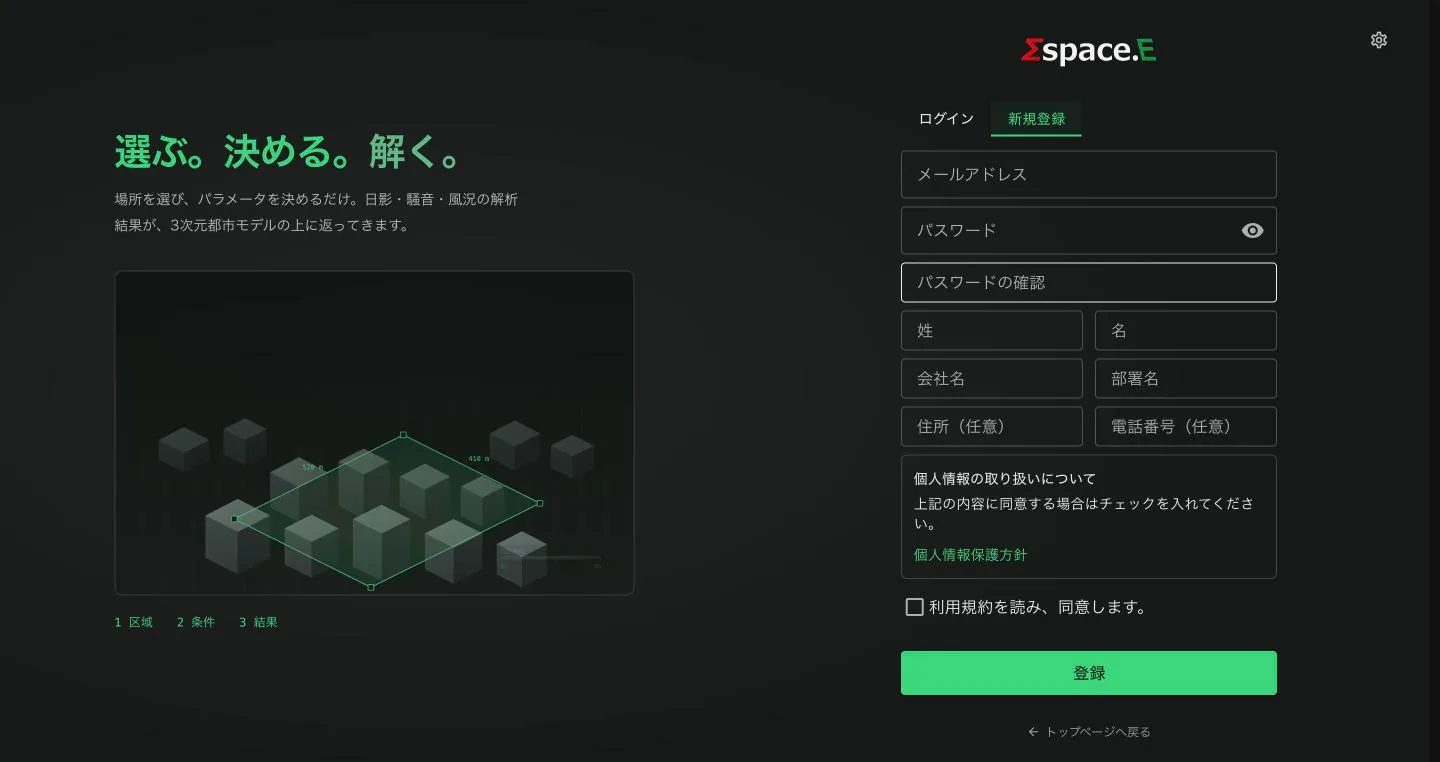
- Choose the 新規登録 (Sign up) tab.
- Enter your email, a password (twice), family and given name, company and department. Address and phone are optional.
- Read the privacy policy and terms, tick 利用規約を読み、同意します。 (I agree to the terms) and press 登録 (Register).
- Follow the on-screen and email instructions to finish. New accounts start on the Free plan.
Logging in and resetting a password
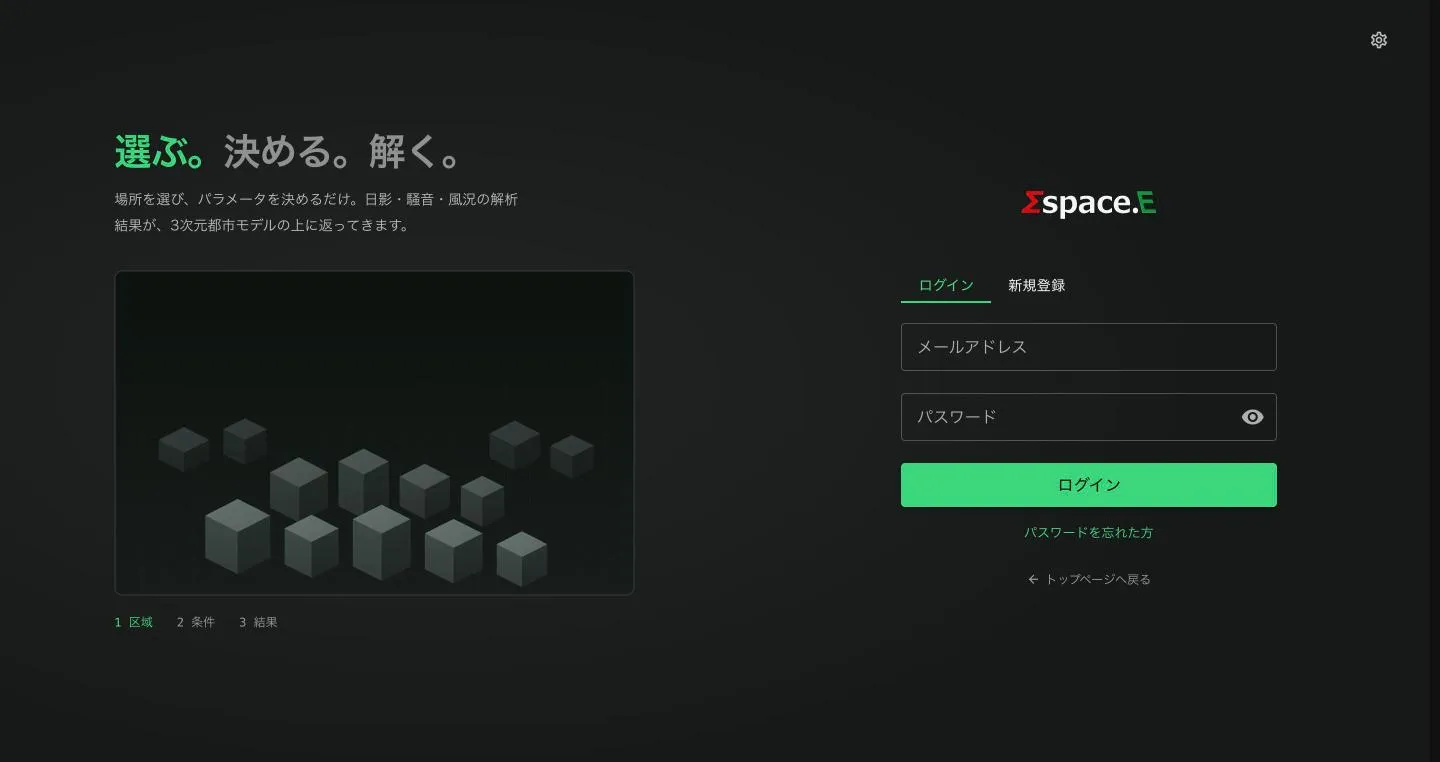
Enter your email and password and press ログイン; the dashboard opens. If you forgot your password, use パスワードを忘れた方 (Forgot password). The eye icon shows what you typed.
Language and theme
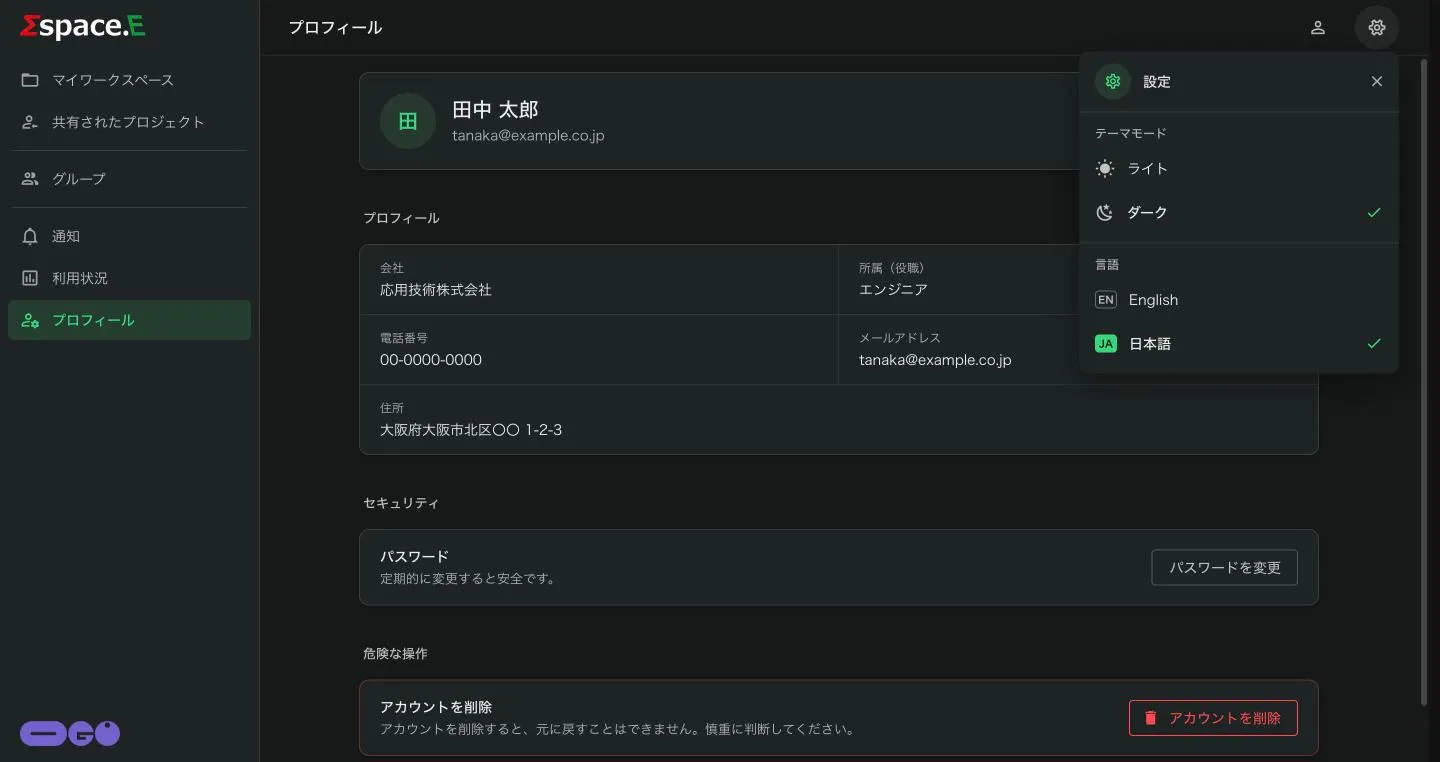
On every screen, the gear at the top right switches between ライト (light) and ダーク (dark), and between Japanese and English. The choice is kept in this browser.