

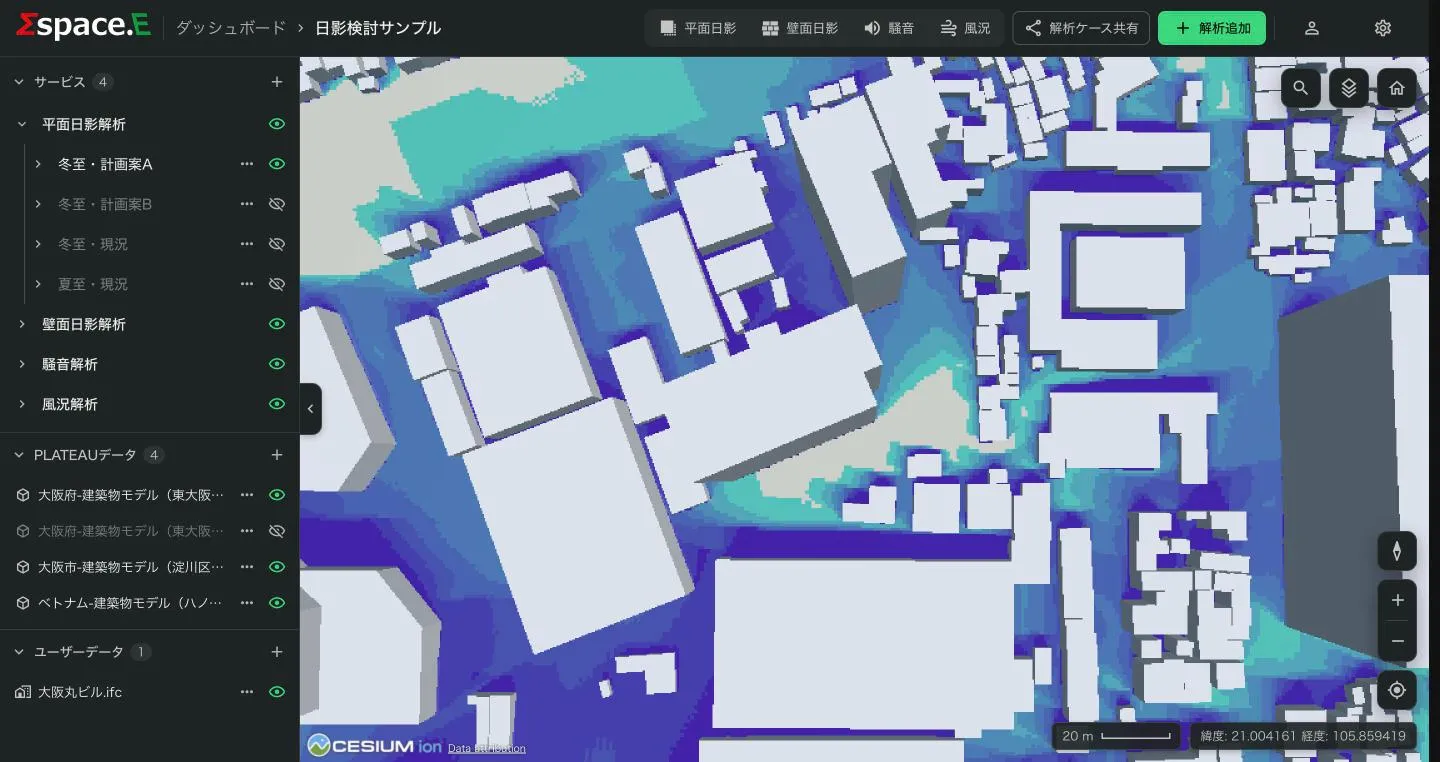
Analyses run on the server, so they continue after you close the screen. When one finishes you are notified, and the case appears under サービス (Services) in the viewer.
- Open the analysis type (for example 平面日影解析, ground shadow) and then the case.
- Show or hide result layers with the eye icon. The layers are described in each analysis's chapter (Ground shadow, Wall shadow, Noise, Wind).
- Several cases can be shown at once for comparison; the selected case is highlighted.
- Click a result on the map to see the value at that spot.
- From the case's ⋯ menu, ケース情報 (Case information) shows its conditions and 3Dタイルスタイルエディタ changes its colours (Editing display styles).
To compare small variations, use 前のケースを使用 (Use the previous case) in Add analysis to start from an earlier case's conditions.