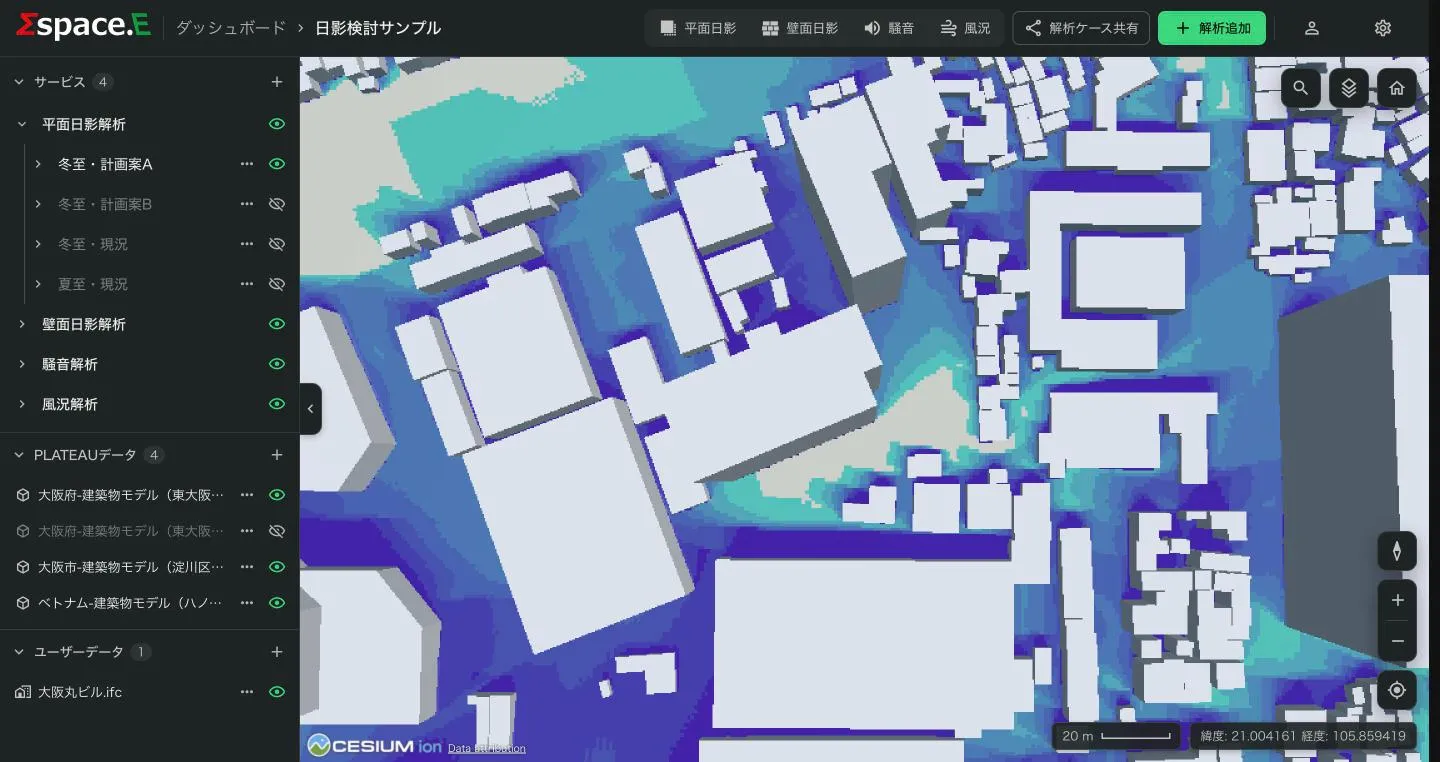

Computes the shadows that buildings in the area cast on the ground. There are two results: how many hours of the day each spot is in shadow (shadow hours), and the shadow at each time step (hourly shadow maps).
Steps
- In 解析追加 (Add analysis) choose 平面日影解析 (ground shadow) and a case (Running an analysis).
- Press 地図上で条件を設定 and draw the 解析範囲 (analysis area, up to 25 ha). Add planned buildings, exclude existing ones or bring in IFC if needed, then press 確定. See Setting conditions on the map for the map steps.
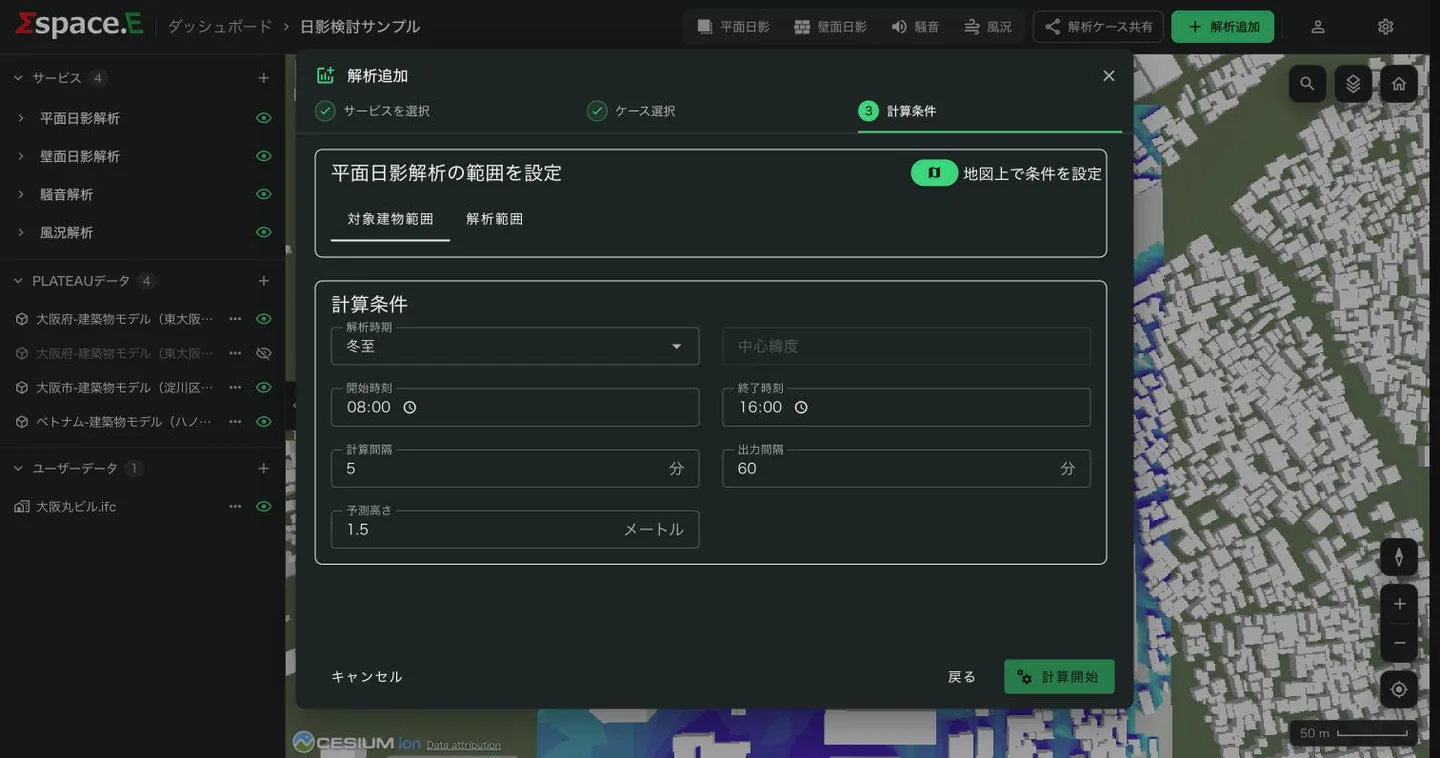
- Enter the conditions below and press 計算開始 (Start calculation).
There are two areas:
- Analysis area
- Where shadows are computed: the rectangle you draw.
- Target building area
- Where the buildings casting shadows are collected: the analysis area widened by 100 m on every side, set automatically. Shadows from buildings outside it are not computed.
Conditions
| Item | Default | Allowed | Meaning |
|---|---|---|---|
| Season | Winter solstice | Winter solstice, summer solstice, equinox | Sets the sun's path. Choosing one fills in the start and end times |
| Center latitude | Automatic | — | Latitude of the centre of the analysis area; not editable |
| Start time | 08:00 | — | When the calculation starts |
| End time | 16:00 | After the start, at least 60 minutes | When it ends |
| Calculation interval | 5 min | 5–60 min | How often the sun's position is computed. Shorter is finer but slower |
| Output interval | 60 min | 60–1440 min, a multiple of the calculation interval | How often an hourly shadow map is produced |
| Receptor height | 1.5 m | 0–200 m | Height above ground of the plane where shadow is measured |
Times per season:
| Season | Start | End |
|---|---|---|
| Winter solstice | 08:00 | 16:00 |
| Summer solstice | 04:00 | 20:00 |
| Equinox | 06:00 | 18:00 |
Set the receptor height to the measuring plane used by shadow regulations (1.5 m, 4 m, 6.5 m and so on). The output interval must divide evenly by the calculation interval (with a 5-minute calculation interval, 60 is fine and 62 is not). An out-of-range value shows the reason under the field.
Notes
As also shown on screen:
- Only shadows from buildings inside the selected area are computed; buildings outside it are ignored.
- Computed in true solar time, which can differ from clock time.
- Only the set time window is computed, so totals can differ from a whole-day figure.
- Shadows from terrain and other structures are not computed.
- Directions are relative to true north.
Results
The case and these layers appear under サービス → 平面日影解析 in the viewer:
- Shadow hours
- Hours of shadow during the day, by colour. By default 0–8 hours in 9 steps.
- Hourly shadow
- The shadow at each output interval (for example "Shadow at 10:00"), grouped in one row. Turning it on shows the first time; switch times with the chips or ‹ ›, one at a time.
- Extent
- The outline of the analysis area.
Click a result on the map to see its value. To change the colours, see Editing display styles.